
Free Onshape Tutorials
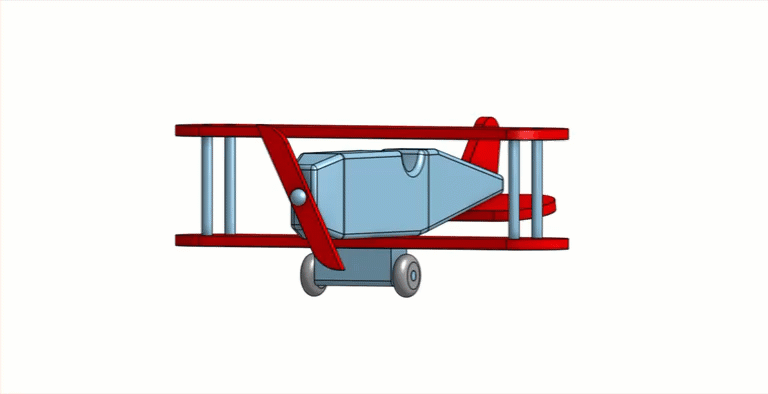
Onshape Skill Development
Sketching Tools
Center Point Circle – Defines the holes and pivot points.
Corner Rectangle – Creates the base and slider components.
Line Tool – Used for defining edges and constraints.
Dimension Tool – Ensures precise measurements for part geometry.
Equal Constraint – Maintains symmetry between features.
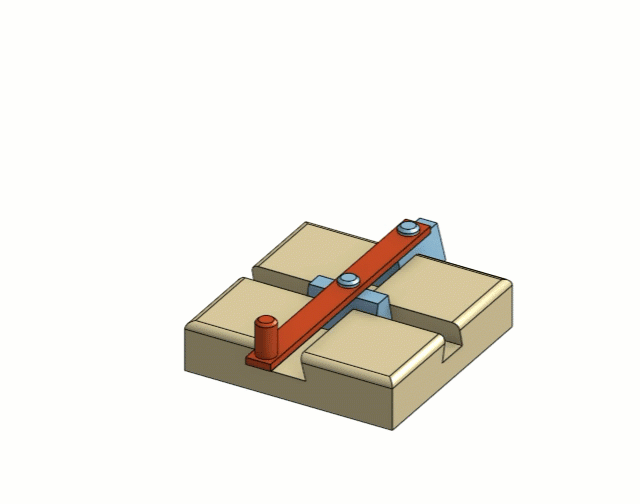
Onshape Skill Development
Sketching Tools
Center Point Rectangle – Defines the base shape with symmetry.
Center Point Circle – Used for hole placement in components.
Line Tool – Creates the dovetail grooves and angled features.
Dimension Tool – Sets precise measurements for part geometry.
Equal Constraint – Ensures symmetrical features like angled sides.

Onshape Skill Development
Sketching Tools
Center Point Circle – Define bearing slots and outer profile with radial symmetry
Line Tool – Connect geometry and construct shapes around bearing holes
Dimension Tool – Control precise size and spacing of features
Tangent Constraint – Ensure smooth transitions between curves and straight edges
Equal Constraint – Maintain consistent hole sizes for balance

Start Here - No Experience Needed
Exploring Feature Based Modeling
Launch your 3D design journey with these hands-on Onshape tutorials for beginners. These projects require no previous modeling experience. This project set—featuring the Toy Airplane, Fidget Spinner, and Do-Nothing Machine—is the perfect introduction to bottom-up modeling.